
It works inside your daily business tools, not just inside a chat box
Connect your email, calendar, documents and spreadsheets. Ask Nova to draft replies, prepare summaries, manage your own calendar, and coordinate daily admin across your real workplace accounts. Nothing goes out without your sign-off.
Engineered for high performance
Everything you need to automate, scale, and convert customers effortlessly.
Inbox & Email Management
"Draft a reply to the inquiry from Alex" — Nova reads the thread in your connected Gmail and drafts a context-aware response in your brand's voice. Sensitive replies wait in your approval queue before sending.
Your Calendar & Meetings
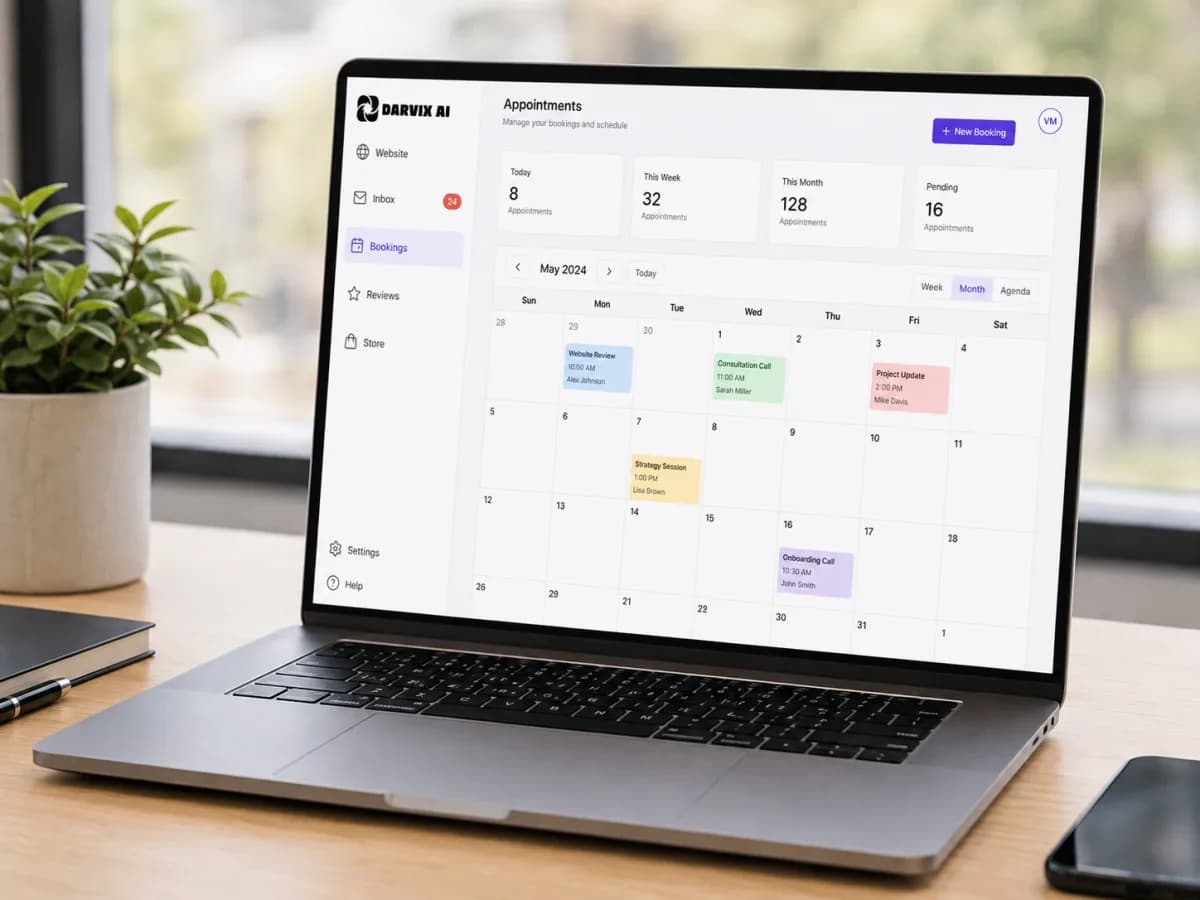
Ask Nova what's on your calendar tomorrow or have it put a follow-up call with a supplier in your diary. It checks conflicts and adds the event to your own Google Calendar. Customer bookings from your website and chats are Jenny's job, not Nova's.
Sheets & Document Ops
"Append these customer details to my leads sheet" or "Summarize the meeting notes in Drive." Nova reads and updates your spreadsheets and documents directly in your connected accounts.
Human-in-the-Loop Safeguards
Anything that leaves your business — sending an external email, altering crucial records, or sharing files — requires your explicit approval. You stay completely in control of every action.

Your executive assistant that never forgets.
Nova connects directly to the apps your company already runs on — Google Workspace, documents, spreadsheets, and calendar. Instead of just giving you advice, it does the actual legwork across your accounts and presents clear results.
- Direct integration with Gmail, Google Calendar, Sheets, Drive & Docs
- Remembers your business context and working preferences
- Every critical external action requires one-click approval
Say what you need done. Nova takes care of it.
Stop switching between five open browser tabs just to check your schedule, draft an email, and log a lead into a spreadsheet. Hand the task to Nova and let it coordinate across your connected tools in seconds.
- "What does my schedule look like this afternoon?"
- "Draft a warm reply to the supplier inquiry from yesterday"
- "Add the latest lead contact info to our onboarding sheet"
An executive AI assistant, not an isolated chatbot
Standard chatbots answer questions. Nova works inside your actual workplace tools.
Frequently Asked Questions
Everything you need to know about the platform and setup process.
Will Nova send emails or edit files without asking me?
No. Any action that sends an external communication (such as sending an email) or modifies important documents triggers an approval card in your chat. Nova pauses and waits for you to click Approve or Decline before anything happens.
Which tools and apps can Nova integrate with?
Nova integrates with popular business tools including Gmail, Google Calendar, Google Drive, Google Sheets, Google Docs, and more. You can connect and manage your accounts from the Integrations tab inside Nova.
Do I need technical skills or developer keys to set it up?
Not at all. Connecting an app is as simple as clicking 'Connect' and signing in with your account. No API keys, webhooks, or technical configuration required.
Can Nova collaborate with the other Darvix AI agents?
Yes. Nova works alongside Alex (Chief of Staff), Mark (Website Agent), Rae (Store Agent), Lex (Social Media Manager) and Jenny (Customer Service). Each agent owns its own area, and Alex routes your request to the right one.
Does Nova take bookings from my customers?
No, that's Jenny. Jenny books, reschedules and cancels customer appointments on your website chat, WhatsApp and Instagram. Nova looks after your own calendar: your meetings, follow-ups and reminders in your connected Google Calendar.
Is Nova included with my Darvix plan?
Nova and connected workspace integrations are available on every paid plan. You can start free and hire Nova whenever you're ready to streamline your daily administrative workload.

Reclaim hours of admin every single week
Hire Nova and let your personal assistant handle your emails, your calendar, and workspace tasks.