Why your business isn't showing on Google Maps (and how to fix it)
By Vivek Moradiya, Founder, Darvix AIPublished
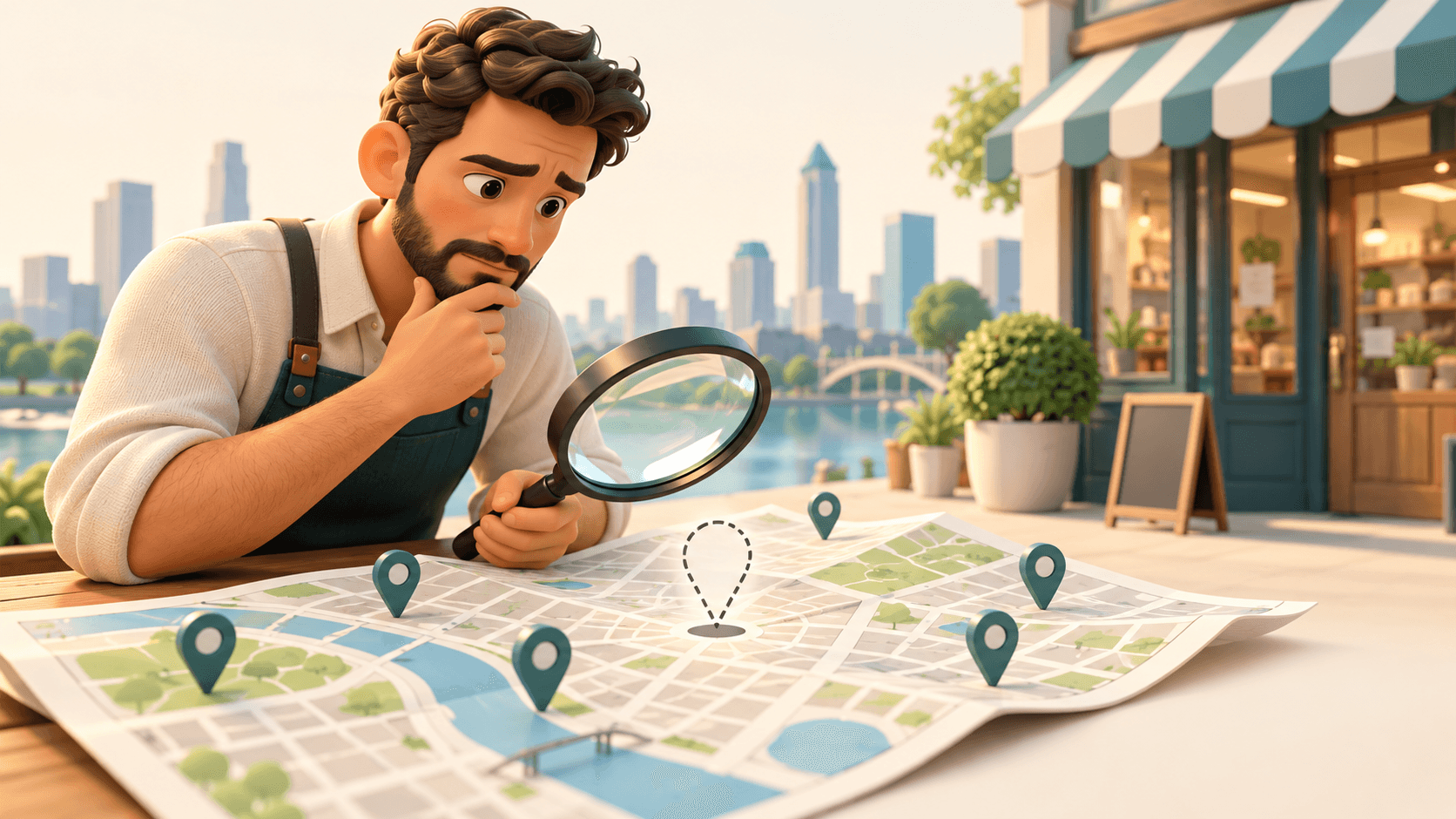

The short answer
Most businesses that don't show on Google Maps fall into one of two groups. Either the listing isn't eligible to appear at all (not verified, suspended, or set up as a hidden service-area business), or it's live but not ranking for the search you tried (wrong category, thin details, or you're searching from too far away). The first group needs fixing in your Business Profile. The second needs better information and a little patience.
Before you change anything, search for your exact business name on Google Maps. If you appear for your name but not for searches like "florist near me", your listing exists and the problem is visibility, not eligibility. Work through the checks below in order.
1. Your profile isn't verified yet
An unverified profile may not appear on Maps, or may appear with limited information. Sign in to your Business Profile and look for any message asking you to verify or finish verification.
- Check: does your profile show a verification prompt or pending status?
- Fix: complete the verification method Google offers you. If a code expired or never arrived, request a new one rather than creating a new listing.
- Avoid: editing your business name or address while verification is pending.
If you haven't set up a profile at all, start with how to add your business to Google Maps.
2. Your profile has been suspended or restricted
Google suspends profiles it believes break its guidelines. Common triggers include keywords stuffed into the business name, a virtual office or PO box used as an address, a business type that isn't eligible, or a sudden batch of edits.
- Check: sign in and look for a notice about suspension or restricted status.
- Fix: read Google's current Business Profile guidelines, correct anything that doesn't comply (for example, use your real trading name with no added keywords), then submit an appeal through Google's process with supporting evidence such as a utility bill, business licence or photos of signage.
- Avoid: creating a fresh listing to get around the suspension. It usually makes things worse.
3. Your primary category doesn't match what people search for
Your primary category tells Google what kind of business you are. If a dog groomer is listed as "pet store", it may not show for "dog groomer near me" at all.
- Check: search for what a customer would type and look at the categories on the top results.
- Fix: choose the most specific accurate primary category, and add secondary categories only for things you genuinely offer.
- Avoid: picking categories for services you don't provide just to appear in more searches.
4. Your address or service area is set up wrongly
Businesses that serve customers at their premises show a pin at that address. Service-area businesses that hide their address are shown differently and can be harder to spot on the map itself, though they can still appear in local results for their area.
- Check: is the pin in the right place? Zoom in on Maps; a pin dropped on the wrong street or the back of a building is common.
- Check: if you hide your address, is your service area realistic? Very large areas don't help and may not be allowed.
- Fix: correct the pin or address in your profile, and set your service area to the towns or regions you really cover. Check Google's current help for service-area limits.
5. The listing is new, or you've just made changes
New profiles and edits don't always appear straight away; Google may review changes before they go live. A brand-new listing also has no reviews, photos or history yet, so it tends to rank below established neighbours at first.
- Check: do any of your edits show as pending or under review?
- Fix: give it time, keep details accurate and avoid repeated edits, which can trigger more reviews. Start building genuine reviews with how to get more Google reviews.
6. You're searching from too far away
Maps results are local. Google weighs how relevant, how close and how well known a business is, so a search from across town can show completely different results to one from your street. Searching from home, signed in to your own account, isn't a reliable test either.
- Check: search from near your premises, or include your town in the search ("bakery in Leeds" rather than "bakery near me").
- Fix: nothing to fix if you appear locally. To reach further, focus on being more relevant and better known: complete details, more reviews, a good website.
7. Your information is thin or inconsistent
A profile with no photos, no services, no hours and no reviews gives Google little to match against a search. And if your name, address or phone number differ between your profile, your website and directory sites, Google has less confidence they all describe the same business.
- Check: compare your name, address, phone and hours on your profile, website, Facebook page and any directory listings.
- Fix: pick one exact version of each and update it everywhere. Fill in services, a description, photos and attributes on your profile.
8. You don't have a website (or it doesn't match)
A website isn't required to appear on Maps, but it helps. It gives Google more information about what you do and where, and it gives searchers somewhere to go after they find you. The most useful thing it can do is repeat your name, address, phone and hours exactly as they are on your profile, with a page for each main service.
If you don't have a website, Darvix AI can build one from your Google Maps listing in about 60 seconds, carrying over the same name, address, hours and photos, so the details match from day one. Mark, the website AI employee, also handles on-page SEO such as page titles and descriptions. More on that on the SEO and GEO feature page. Darvix AI doesn't edit or manage your Business Profile itself; that stays in Google's tools.
Next steps
- 1
Search your exact name
Find out whether this is an eligibility problem or a visibility problem.
- 2
Check status in your Business Profile
Finish verification or respond to any suspension notice first.
- 3
Fix category, pin and service area
These are quick changes with a big effect on which searches you match.
- 4
Make your details complete and consistent
Same name, address, phone and hours on your profile, website and directories.
- 5
Build reviews and give it time
New listings need history. Ask happy customers for reviews and keep your profile up to date.
If none of this explains it, check Google's current Business Profile help, which has troubleshooting steps and a way to contact support.
Frequently asked questions
- Why does my business show when I search its name but not for my services?
- Your listing exists, so it's a visibility problem. Check your primary category, add your services and photos, make your details consistent with your website, and build genuine reviews.
- How long does a new Google Maps listing take to appear?
- It varies. Verification and reviews of edits can take a while, and new listings usually rank lower until they have reviews and history. Check Google's current help if it's been unusually long.
- Can I appear on Google Maps without a shop address?
- Yes, as a service-area business. You hide your street address and set the areas you serve. You won't show a pin at an address, but you can still appear in local results for those areas.
- Should I create a new listing if mine is suspended?
- No. Fix whatever breaks Google's guidelines and appeal through Google's process. A new listing to get around a suspension usually makes the problem worse.
- Does having a website help me show on Google Maps?
- It isn't required, but a website with the same name, address, phone and hours as your profile gives Google more information about your business and gives searchers somewhere to go.