How to take bookings over WhatsApp without losing track
By Vivek Moradiya, Founder, Darvix AIPublished
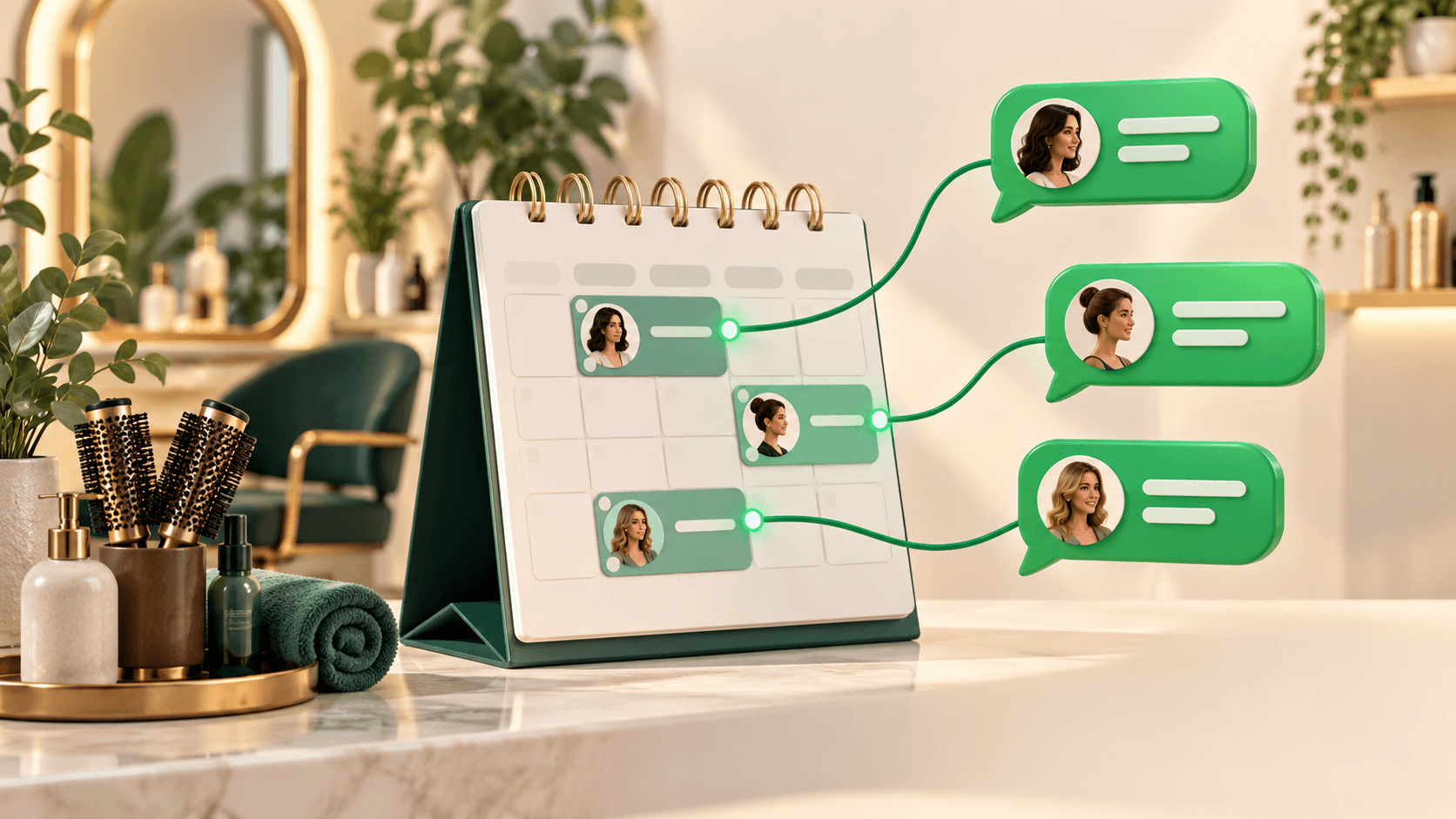

The short answer
WhatsApp is a great place for customers to ask about a booking and a poor place to keep the booking itself. Chats scroll away, times get agreed in one message and changed three messages later, and nobody else on your team can see what you promised. The fix isn't to stop taking bookings on WhatsApp. It's to make WhatsApp the front door and keep the actual appointment somewhere that can't get lost.
In practice that means four things: a proper business account, saved replies for the repeat questions, one booking link you send every time, and one calendar that has the final say. The rest of this post walks through each one.
Why WhatsApp bookings go wrong
Most mix-ups come from the same few habits. You agree "Thursday at 3" in a chat while you're busy, mean to put it in the diary later, and forget. Two customers ask about the same slot in two different chats and both get a yes. A customer moves their appointment by message and the old time stays in your calendar. Or the chat is on one person's phone, so when they're off, nobody knows what was booked.
None of these are WhatsApp's fault. They happen because the conversation and the booking live in the same place, and a conversation is not a record.
Step 1: Set up a WhatsApp Business account
If you're still taking bookings on a personal WhatsApp account, move to a business one. Meta offers a free WhatsApp Business app for small businesses, and a separate business platform that software tools connect to. Which one suits you depends on your size and whether you want other tools to read and reply to messages. Options and features vary by country and change over time, so check Meta's current WhatsApp Business help pages before you switch numbers.
Whichever you use, fill in the business profile completely. Customers check it before they message, and a complete profile answers questions before they're asked:
- Your business name as customers know it, and a short description of what you do.
- Your address, or the area you cover if you go to customers.
- Your opening hours, kept up to date for holidays.
- Your website or booking page link.
Step 2: Save replies for the questions you answer every day
Look back through a week of chats and you'll find the same handful of questions: prices, opening hours, where you are, parking, how long something takes, and "are you free on…?". Business accounts let you save replies and reuse them, and many also let you set an automatic greeting and an away message. Use them.
- "How do I book?": one line plus your booking link.
- Prices: your main services with prices, and a link to the full list.
- Location: address, a map link and one line on parking or access.
- Away message: when you'll reply, and the booking link so people can book without waiting for you.
Keep saved replies short and friendly, and re-read them whenever prices or hours change. An out-of-date saved reply does more damage than none, because it repeats the mistake to everyone.
Step 3: Send one booking link instead of agreeing times by hand
The single biggest change you can make is to stop negotiating times in the chat. When someone asks "can I come in Saturday?", reply with the booking link, or with two open times plus the link. The customer picks a slot that's really free, enters their details and gets a confirmation. You don't have to check the diary mid-conversation, and two people can't be promised the same slot.
Use the same link everywhere: in your WhatsApp profile, your saved replies, your Instagram bio and your website.
Some customers will still want to book by message, and that's fine. Just put the booking into your calendar while you're still in the chat, then send the confirmation. Never say "that's booked" until it is.
Step 4: Make one calendar the source of truth
Pick one calendar and decide that it wins every argument. If a booking isn't in there, it doesn't exist. If a chat and the calendar disagree, the calendar is right and you message the customer to sort it out. This rule is what stops the double bookings.
- 1
Choose the calendar
Your booking system's calendar is usually the right choice, because it's the one that offers slots to customers. If it adds bookings to Google Calendar or Outlook, you can view your day there too.
- 2
Put every booking in it, however it arrived
Online, WhatsApp, phone or walk-in: all of them go in the same place, straight away.
- 3
Make changes in the calendar first
When a customer reschedules or cancels by message, update the calendar, then reply to confirm. Not the other way round.
- 4
Block out your own time
Breaks, school runs and days off go in too, so online customers aren't offered times you can't take.
Handling changes, cancellations and no-shows
Write a short policy for changes and cancellations: how much notice you need, and what happens if someone doesn't turn up. Put it in your booking confirmation, on your booking page and in a saved reply, so you can send it rather than argue it. For longer or high-value appointments, taking payment when the customer books is the most reliable protection; see should you take payment when customers book for the trade-offs.
Letting an AI employee book inside the chat
Saved replies and a booking link get you most of the way, but someone still has to reply. On Darvix AI, Jenny, the customer support AI employee, answers WhatsApp messages using what you've taught her about your business. When a customer asks if you're free on Saturday, she can check real availability and book, reschedule or cancel the appointment inside the WhatsApp chat, so the booking lands in the calendar instead of in a message. When a conversation needs you, she hands it over.
WhatsApp, Instagram DMs and website chat all arrive in one unified inbox, tied to each customer's record. More on how the calendar works on the appointment booking page.
The bottom line
Let customers ask on WhatsApp, but don't keep bookings there. Set up a business account, save replies for the repeat questions, send one booking link, and keep one calendar that decides. Do those four things and WhatsApp becomes your busiest booking channel instead of your messiest one. If Instagram is your other big channel, the same ideas apply; see how to manage Instagram DMs as a business.
Frequently asked questions
- Do I need a WhatsApp Business account to take bookings?
- It isn't strictly required, but a business account gives you a business profile, saved replies and greeting and away messages, which make bookings much easier to manage. Check Meta's current help pages for what's available in your country.
- Should I agree appointment times in the chat or send a link?
- Send a link where you can. The customer picks a slot that's really free and gets a confirmation, and you avoid promising the same time to two people. If someone prefers to book by message, enter it in your calendar before you confirm.
- How do I stop double bookings from WhatsApp?
- Keep one calendar as the source of truth, put every booking in it straight away however it arrived, and make reschedules and cancellations in the calendar before you reply.
- Can customers book an appointment inside WhatsApp itself?
- On Darvix AI, yes. Jenny, the customer support AI employee, can check availability and book, reschedule or cancel appointments inside the WhatsApp chat.
- What should my WhatsApp away message say?
- When you'll reply, plus your booking link so people can book a slot without waiting for you.